tui-image-editor
发表于|更新于
|浏览量:
世间最好的东西,莫过于有几个头脑和心地都很正直的严正的朋友——爱因斯坦
分享一个在线图片编辑器,用于裁剪、调整色彩等
官网:https://ui.toast.com/tui-image-editor
git地址:https://github.com/nhn/tui.image-editor
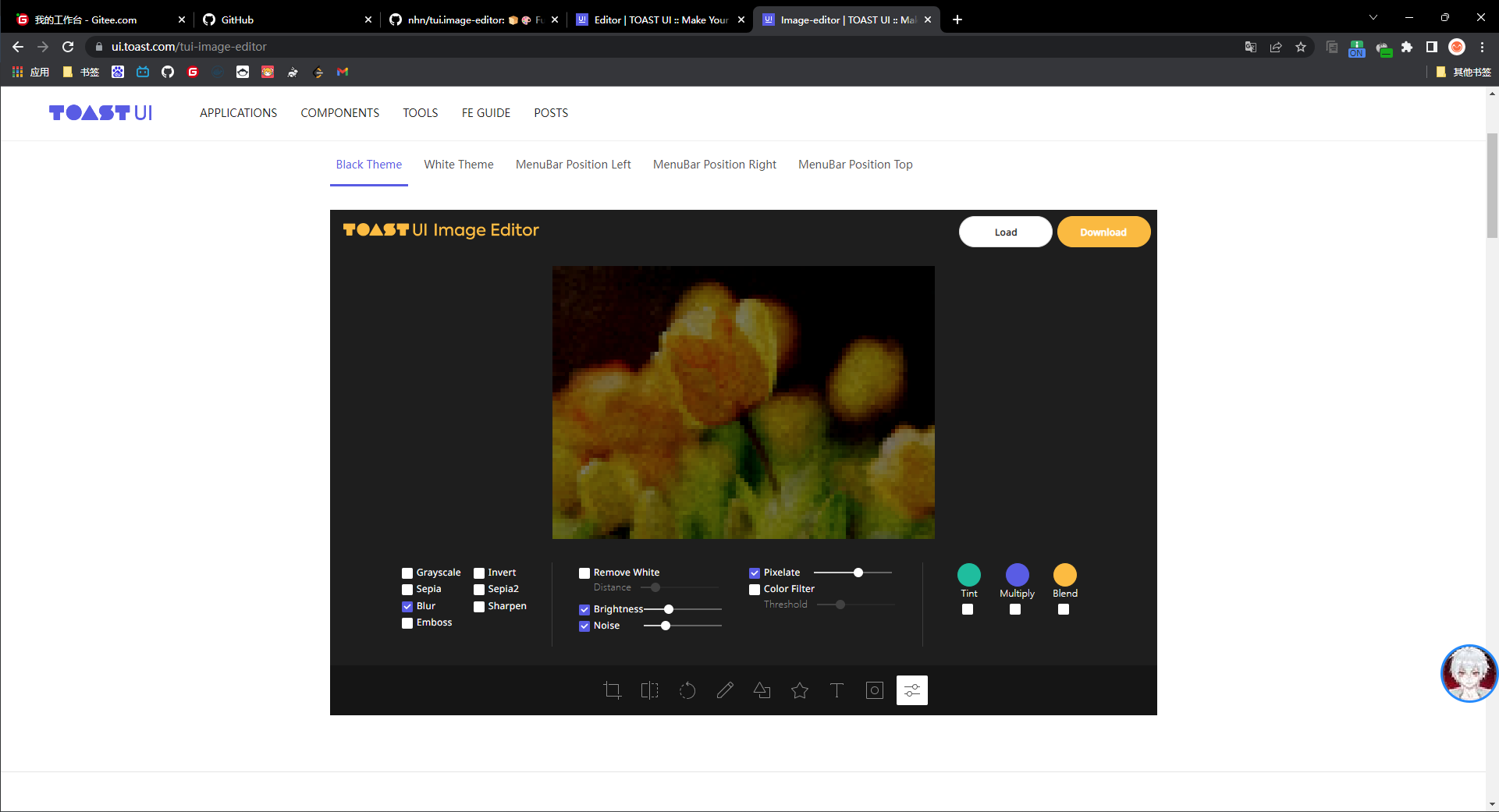
功能强大,十分出众
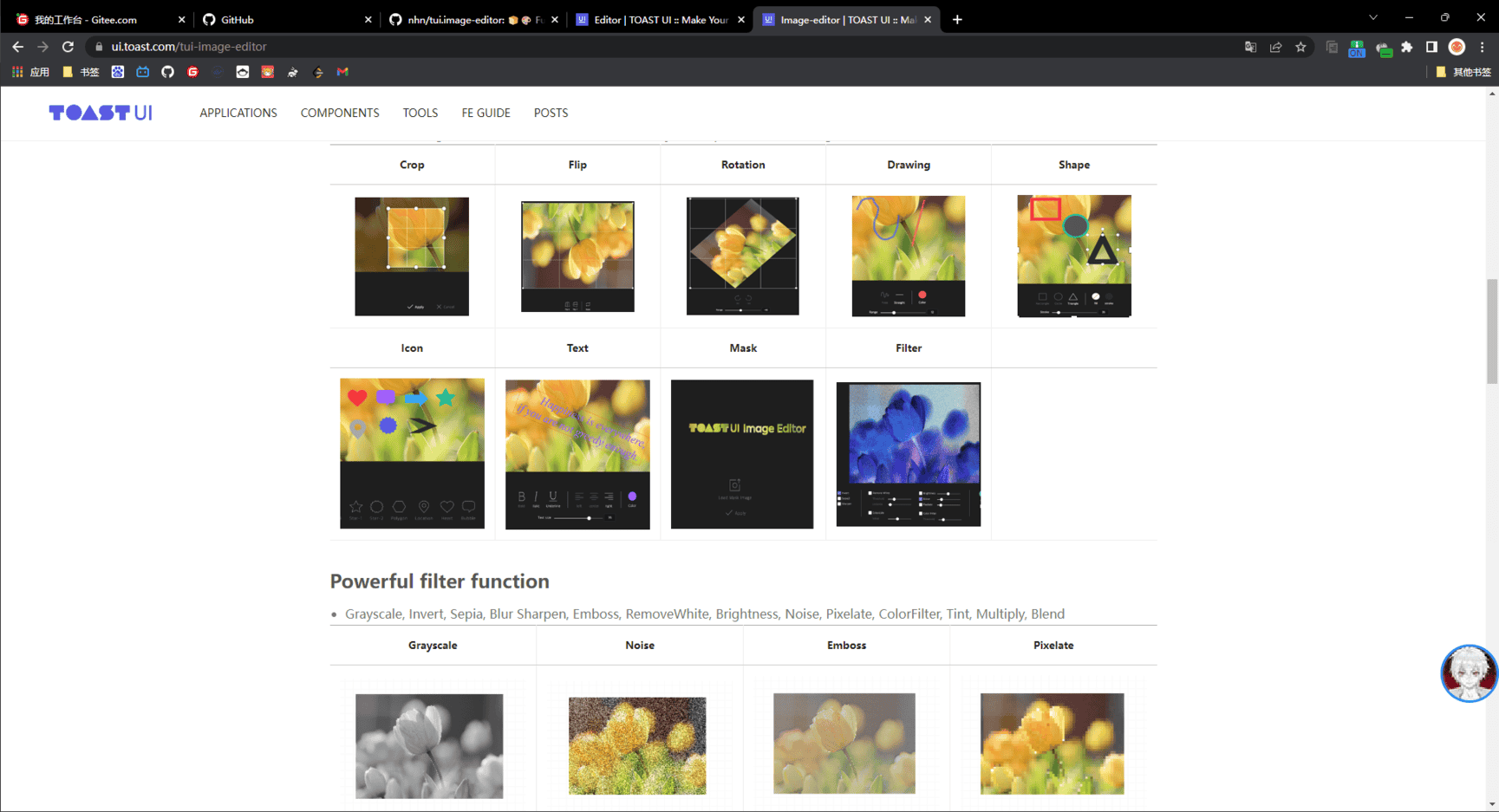
在文档里:https://nhn.github.io/tui.image-editor/latest/tutorial-example02-useApiDirect
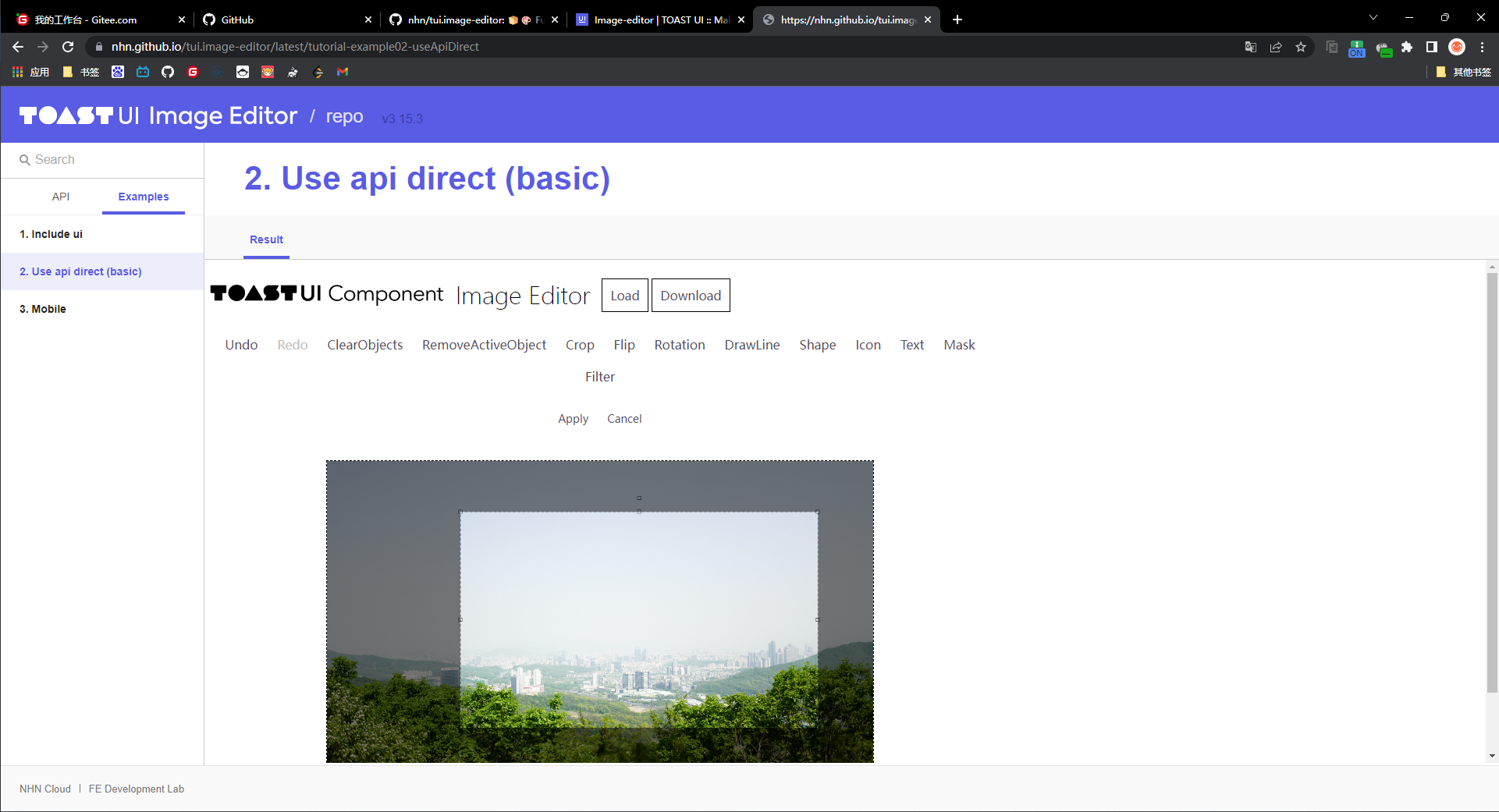
还有不同的例子:
相关推荐
2025-05-20
Minecraft颜色选择转换
天行健,君子以自强不息。——《周易·乾·象》 https://codepen.io/0biwan/pen/ggVemP html 1234567891011121314151617181920212223242526272829303132333435363738394041424344454647484950515253545556575859606162636465666768697071<div class="container"> <div class="tools"> <div class="colors"> <button data-color="0" class="bg-1">&0</button> <button data-color="1" class="bg-2">&1</button> &...
2022-06-16
react在ts中提示ref问题
不要太在乎一些人,越在乎,越卑微。——周国平 首先按照官方文档的demo写好代码,却报错如下: 安装插件Error Lens后: 如何解决? 前往Text的ref源码,可以看到是需要一个叫LegacyRef的类型 我们进LegacyRef,看到其就是Ref或string的类型 因此这里我们定义为Ref类型即可 这里出现了新的问题,不能将MutableRefObject<Text | null |undefined>分配给Ref<Text> 我们进入useRef源码,看到其包含几个重载 分别查看MuteableRefObject和RefObject 可以看到RefObject是Ref中容许的其中一种类型 所以应该使用上面一种重载 在原有代码React.useRef()中传入null 报错解决 同理,trRef一样 注意此处Ref<TextRef>内的泛型使用的是konva/lib/shapes/Text包下的Text,改名为TextRef 除了在定义变量左侧申明类型,在方法右侧也可以申明泛型,让编辑器自动推测
2021-04-05
localStorage
蚍蜉撼大树,可笑不自量。——韩愈《调张籍》 我们可以使用LocalStorage在页面上存点东西,限制是5MB 1window.localStorage.setItem("ruben","Hello") 我们再取出来 1window.localStorage.getItem("ruben") 如果我们要移除 1window.localStorage.removeItem("ruben") 要移除全部 1window.localStorage.clear()
2026-02-21
seerr
完成工作的方法是爱惜每一分钟。——达尔文 关注系统与媒体库的专属搭档 Seerr 毫不夸张地说,在现代在线媒体的繁荣时代,拥有一个高效的媒体请求与管理系统已变得至关重要。今天,我们要为大家介绍一款特别适合Jellyfin、Plex 和 Emby 用户的开源应用软件 Seerr。它不仅提供智能化、直观的界面,还在便捷性与功能性之间找到了一个完美的平衡。 Seerr 是什么?Seerr 是一款免费的开源软件,专为管理多媒体资源库的请求流程而设计,非常适合那些利用 Jellyfin、Plex 或 Emby 媒体服务器的朋友。同时,Seerr可以完美地与您现有的服务集成,比如 Sonarr 和 Radarr,大大简化了媒体管理的复杂性。 以目前 Github 上近万的 Star 数为证明,Seerr 无疑是当下备受推崇的开源媒体管理解决方案之一。 主要特性Seerr 的功能经过精心打磨,可以提供全面且令人满意的使用体验: 深度集成:兼容 Jellyfin、Emby 和 Plex,支持用户身份认证以及用户导入和管理。 数据库支持:支持 PostgreSQL 和 SQLite,灵活...
2022-12-25
mask
任凭人群来往,任凭钟声响起,小孩啼哭——决心好好过上一天。——梭罗《瓦尔登湖》 分享一个css属性mask: https://developer.mozilla.org/zh-CN/docs/Web/CSS/mask https://css-tricks.com/almanac/properties/m/mask/ CSS 属性 mask 允许使用者通过遮罩或者裁切特定区域的图片的方式来隐藏一个元素的部分或者全部可见区域。 这个属性很类似于background属性,但不同的是,background是背景在元素下层,mask是遮罩在元素上层,且mask不支持直接指定color,只支持image对象如图片、svg等 同样两者都是组合属性,意味着可以用简写,而不是一个一个去指定 12mask-image: url(/img/oss/blog/vampireachao/bilibili-line.svg);mask-repeat: no-repeat; 可以简写为 1mask: url(/img/oss/blog/vampireachao/bilibili-line.svg) ...
2021-09-05
echarts中国主要城市空气质量
行之苟有恒,久久自芬芳。——崔瑗 中国主要城市空气质量: 代码出处:https://echarts.apache.org/examples/zh/editor.html?c=effectScatter-bmap 这是我在echarts官方网站示例上找到的 然后是代码: 注意下方要换成百度地图的AK 123456789101112131415161718192021222324252627282930313233343536373839404142434445464748495051525354555657585960616263646566676869707172737475767778798081828384858687888990919293949596979899100101102103104105106107108109110111112113114115116117118119120121122123124125126127128129130131132133134135136137138139140141142143144145146147148149150151...

阿超
我的名字叫阿超 年龄25岁 家在北京市 职业是软件开发 每天最晚也会在八点前回家 不抽烟 酒浅尝辄止 晚上十二点上床 保证睡足八个小时 睡前写一篇博客 再做二十分钟俯卧撑暖身 然后再睡觉 基本能熟睡到天亮 像婴儿一样不留下任何疲劳和压力 就这样迎来第二天的早晨 健康检查结果也显示我很正常 我想说明我是一个不论何时都追求内心平稳的人 不拘泥于胜负 不纠结于烦恼 不树立使我夜不能寐的敌人 这就是我在这社会的生活态度
Follow Me公告
This is my Blog