react-json-view
发表于|更新于
|浏览量:
小不忍,则乱大谋。——孔子
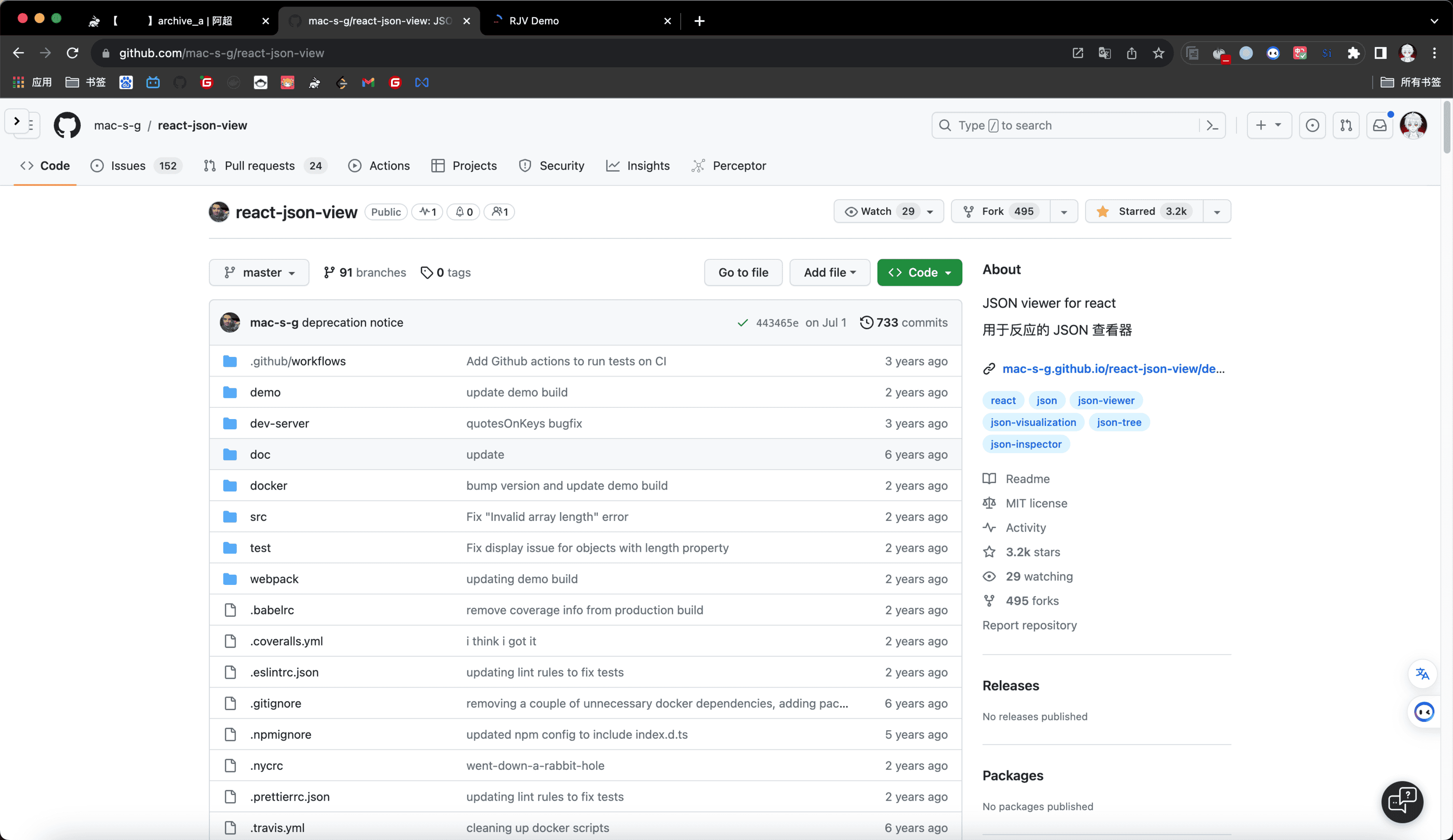
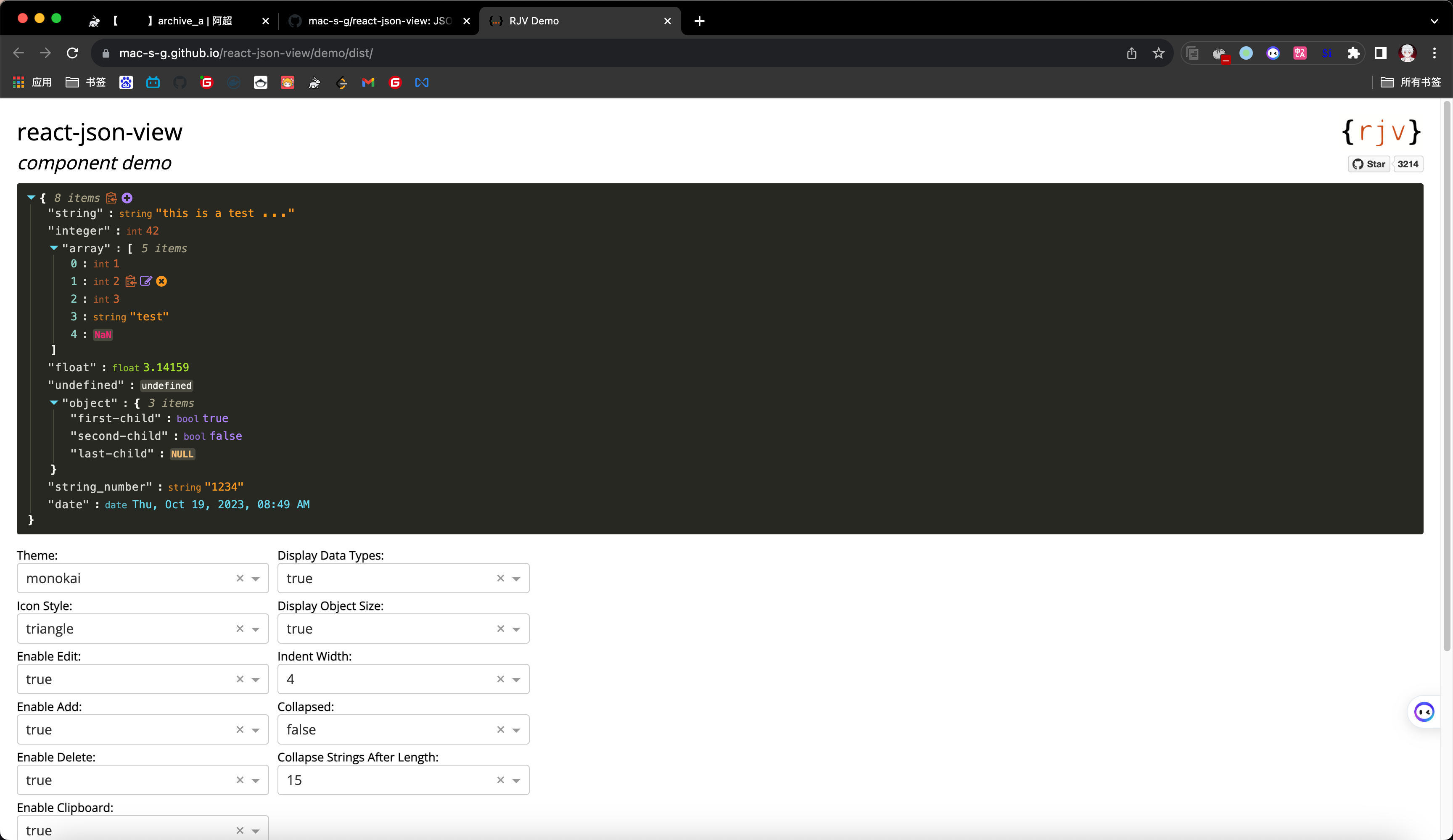
分享一个react的json编辑器
https://github.com/mac-s-g/react-json-view
演示:
相关推荐
2024-11-04
typescript-exercises(九)
如果你要宽容别人的过错,就要把眼光放到自己身上。——佚名 题目: 123456789101112131415161718192021222324252627282930313233343536373839404142434445464748495051525354555657585960616263646566676869707172737475767778798081828384858687888990919293949596979899100101102103104105106107108109110111112113114115116117118119120121122123124125126127128129130131132133134135136137138139140141142143144145146147148149150151152153154155156157158159160161162163164165166167168169170/*Intro: PowerUsers idea was bad. Once those users got ...
2021-01-17
滚轮缩放
要使人成为真正有教养的人,必须具备三个品质:渊博的知识、 思维的习惯和高尚的情操。知识不多就是愚昧;不习惯于思维, 就是粗鲁或蠢笨;没有高尚的情操,就是卑俗。——车尔尼雪夫斯基 代码 123456789101112131415161718192021<!DOCTYPE html><html lang="en"><head> <meta charset="UTF-8"> <title>scroll</title></head><body><img width="500px" id="img" src="https://VampireAchao.github.io/imgs/preview/3459_3.jpg"/><script type="application/javascript"> let images = docu...
2022-09-26
gridsome
礼仪周全能宁人息事——茹贝尔 gridsome是一个基于 Vue.js 构建的 Jamstack 框架 官方文档:https://www.gridsome.cn/ 这个可以帮助我们快速建造一个网站,其特点是graphql,不需要服务端,开发快、性能好,前端人员大爱 不过吐槽一下,点击中文文档竟然是英文的。。。 借助翻译插件还是能勉强看懂,哈哈 这个翻译插件是沙拉查词
2025-08-20
papermark
常制不可以待变化,一涂不可以应万方,刻船不以索遗剑。一一东晋·葛洪《抱朴子》 https://github.com/mfts/papermark Papermark:开源 DocSend 替代方案,智能文档分享新体验在数字化办公和远程协作日益普及的今天,文档安全分享与跟踪成为企业和个人不可或缺的需求。你是否曾因为发送合同、方案、报告时无法精准掌控访问和分析而苦恼?你是否希望拥有一款既能自定义品牌,又能实时统计文档访问的数据房间工具?如果你的答案是肯定的,那么你一定要试试 Papermark —— 一个正在快速崛起的开源 DocSend 替代项目! 一、项目简介Papermark 是一款完全开源的文档分享与跟踪平台,被誉为“开源版 DocSend”。它支持个性化品牌、定制域名、内置访问分析,并允许开发者和企业自部署、自定义,保障数据安全和可控性。 项目主页:https://papermark.com GitHub地址:https://github.com/mfts/papermark 项目定位:开源、安全、可自托管、可扩展的数据房间/文档分享平台 最新 Star 数...
2024-10-06
vitesse-webext
知古不知今,谓之落沉。知今不知古,谓之盲瞽。——王充 分享一个由 Vite 提供支持的 WebExtension(Chrome、FireFox 等浏览器插件)的入门模板。 Github: https://github.com/antfu-collective/vitesse-webext 特性: ⚡️ Instant HMR - 在 dev 上使用 Vite(不再刷新! 🥝 Vue 3 - 组合式 API、<script 设置> 语法等等! 💬 轻松通信 - 由 webext-bridge 和 Vue使用存储提供支持 🌈 UnoCSS - 即时按需原子 CSS 引擎。 🦾 TypeScript - 类型安全 📦 组件自动导入 🌟 图标 - 直接从任何图标集中访问图标 🖥 内容脚本 - 即使在内容脚本中也可以使用 Vue 🌍 WebExtension - Chrome、Firefox 等的同构扩展 📃 具有完整类型支持的动态manifest.json 使用模板GitHub 模板Create a repo from this template o...
2021-11-13
箭头函数与this指向探究
我有明珠一颗,久被尘劳关锁,一朝尘净光生,照破山河万朵。——柴陵郁禅师 今天研究了下箭头函数与this,发现了一些挺好玩的特性 首先,我们在控制台输入上这段js 123456789101112131415161718192021var handler = { name :'handler', init: function() { let init1 = function(event) { console.log("init1: ", this); let init5 = function(){ console.log("init5: ", this); } init5(); // init5: Window {window: Window, self: Window, document: document, name: '', loca...

阿超
我的名字叫阿超 年龄25岁 家在北京市 职业是软件开发 每天最晚也会在八点前回家 不抽烟 酒浅尝辄止 晚上十二点上床 保证睡足八个小时 睡前写一篇博客 再做二十分钟俯卧撑暖身 然后再睡觉 基本能熟睡到天亮 像婴儿一样不留下任何疲劳和压力 就这样迎来第二天的早晨 健康检查结果也显示我很正常 我想说明我是一个不论何时都追求内心平稳的人 不拘泥于胜负 不纠结于烦恼 不树立使我夜不能寐的敌人 这就是我在这社会的生活态度
Follow Me公告
This is my Blog